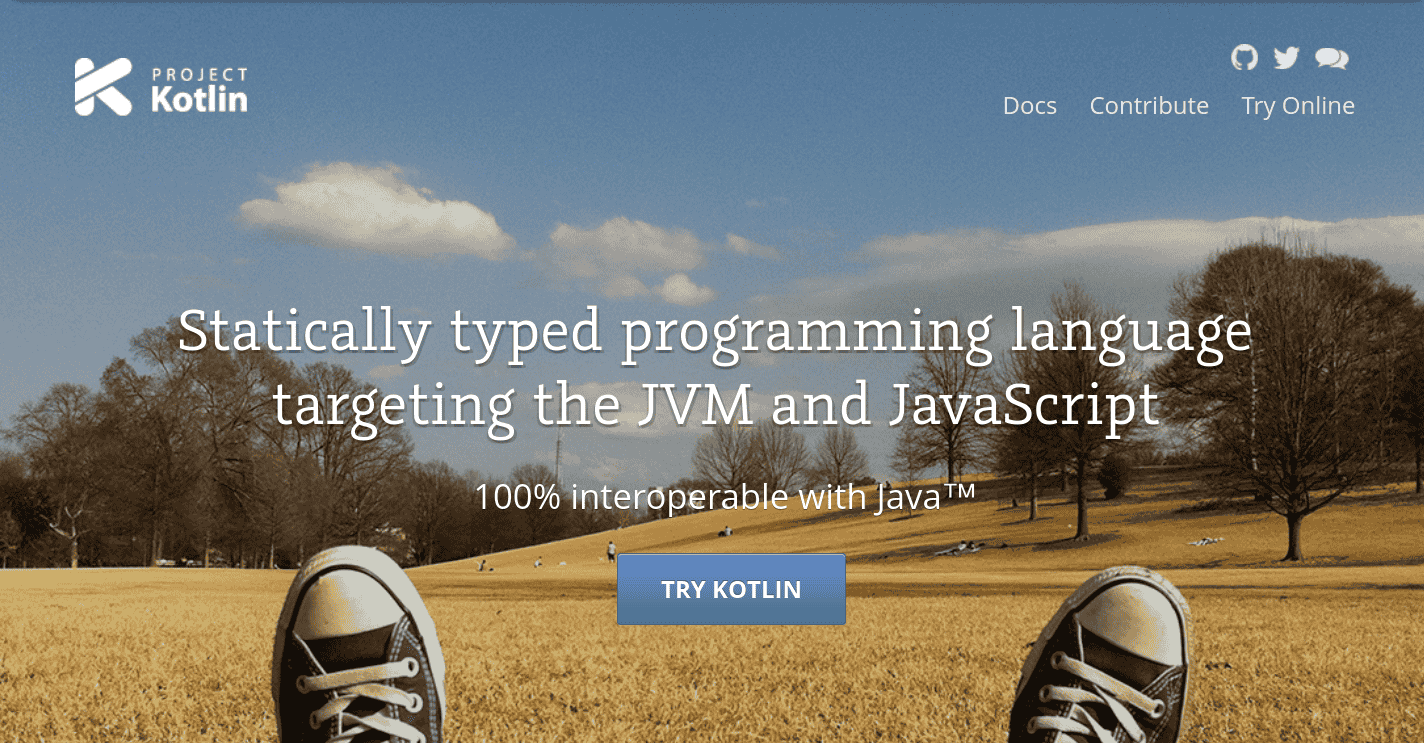
kotlinlang.org used to say A modern programming language that makes developers happier and
they did make one which I think is the one .
While I got to know about Kotlin from Android development, it has grown a lot since then. The first-party library/frameworks/tools support from JetBrains and the Kotlin team, and the software related to development using Kotlin, built and maintained by the community, made the language fun and interesting to work with, not specifically on Android, but also in the backend.
Now that there is an official language server, I hope it will continue to evolve further. I’m kinda biased towards Kotlin for a couple of reasons. Irrespective of that, I think Kotlin is great at what it does.
Multiplatform with Kotlin#
Kotlin decouples the platform-specific implementations with actual and expect , which makes you directly deal with
the platform-specific stuff.
The core and common logic is separated from the respective platform stuff in a typical KMP project, so you end up writing platform-specific stuff individually while the common code remains the same across the targeted platforms.
expect is the skeleton while the actual implementation of it lies in the usage of actual across targeted
platforms.
expect suspend fun deleteAutoBackups(
    backupLocation: String,
    threshold: Int, onCompletion: (deletionCount: Int) -> Unit
)
If the project is targeting Android and desktop, then the respective implementation for these platforms must be implemented based on this expected block.
Now on Android, the implementation for this may look like:
actual suspend fun deleteAutoBackups(
    backupLocation: String, threshold: Int, onCompletion: (deletionCount: Int) -> Unit
) {
    try {
        withContext(Dispatchers.IO) {
            DocumentFile.fromTreeUri(LinkoraApp.getContext(), backupLocation.toUri())?.listFiles()
                ?.filter {
                    it.name?.startsWith("LinkoraSnapshot-") == true
                }?.let { snapshots ->
                    // delete the backups
                }
        }
    } catch (e: Exception) {
        e.printStackTrace()
        e.pushSnackbar()
    }
}
But the same function’s implementation on a desktop target will look like:
actual suspend fun deleteAutoBackups(
    backupLocation: String, threshold: Int, onCompletion: (deletionCount: Int) -> Unit
) {
    try {
        withContext(Dispatchers.IO) {
            File(backupLocation).listFiles {
                it.nameWithoutExtension.startsWith("LinkoraSnapshot-")
            }?.let { snapshots ->
                // delete the backups
            }
        }
    } catch (e: Exception) {
        e.printStackTrace()
        e.pushSnackbar()
    }
}
The platform-specific APIs or implementations get involved with this expect/actual mechanism, which makes things straightforward and pretty clear.
Now pushSnackbar() is an extension function which exists in the common codebase; the platform codebase cannot be
accessed from the common codebase, but vice versa is possible with KMP.
If you are dealing with composables or classes or an interface implementation on specific platforms or anything that is platform-specific, this mechanism remains the same.
I never tried other multiplatform frameworks/tools, but I think this is the simplest yet finest way to deal with platform-level implementations, although most of the commonly used libraries like Coil, Ktor, koin, Room, and material components (via Compose multiplatform) already support KMP, but there may be cases where you have to stick with platform-level APIs, and I think KMP does it most finely.
The Nitpicks#
Now the nitpick I have here has to do more with CMP than KMP: CMP is maintained by JetBrains, which is not on the latest version regularly with respect to the upstream version, and some components like material expressive aren’t yet possible to use directly in the common codebase, but again, this is just a nitpick.
This has nothing to do with KMP, but you also need to know that yep, this sort of thing exists where you might end up not using the library you used to use when on a single targeted codebase, so you end up writing your own thing in the common codebase or with expect/actual blocks, which is fine, at least for me.
I used to use Dagger Hilt for DI in Linkora , when the codebase targeted Android only. Now that I have migrated to KMP, I have switched to manual DI, which I think is fairly simple and the usual way I prefer for my projects now (AS IT SHOULD BE).
Live preview sucked with Jetpack Compose in the initial days of my usage, as you had to rebuild for every newly updated preview; which later picked it up and got good, but Compose Hot Reload works just fine for me, far better than what it used to be with Compose which only targeted Android back then.
Coroutines and Flows in KMP#
Coroutines and Flows play a major role in KMP. Now, when I mentioned “major role”, I mean major role .
The expect and actual usage is required in some cases, and it may require another component to be included to
complete the operation, as the expected implementation is supposed to be an individual block and not included wherever
in the codebase.
We need the “Event-driven” style to complete the operation; this is, of course, your typical asynchronous use case, which Kotlin coroutines and flows do excellently in my usage.
This function needs to use platform-specific APIs to pick a directory:
expect suspend fun pickADirectory(): String?
Now, you would call this typically from a ViewModel or any other class; when dealing with the desktop target, this is straightforward, you implement something like:
actual suspend fun pickADirectory(): String? {
    val fileDialog = FileDialog(
        Frame(),
        Localization.Key.SelectASourceDir.getLocalizedString(),
        FileDialog.LOAD
    )
    fileDialog.isVisible = true
    val sourceDirectory = File(fileDialog.directory)
    // rest of the implementation
}
When targeting Android, the implementation will be based on Android-specific APIs.
If you are using Compose, you would typically use rememberLauncherForActivityResult , which is ManagedActivityResultLauncher with a contract to pick the directory. Now, rememberLauncherForActivityResult is a
composable function; you cannot call it randomly in the codebase. It needs to be a composable function to call it,
similar to suspend functions.
pickADirectory isn’t a composable; in this case, using flows or channels to make the composable pick the directory
makes sense, and on picking it, send the directory URI back, which we can collect from the implementation of pickADirectory , which targets the Android platform.
The implementation would look like:
actual suspend fun pickADirectory(): String? {
    AndroidUIEvent.pushUIEvent(AndroidUIEvent.Type.PickADirectory)
    return suspendCancellableCoroutine { continuation ->
        val listenerJob = CoroutineScope(continuation.context).launch {
            val eventDirectoryPick =
                AndroidUIEvent.androidUIEventChannel.first() as AndroidUIEvent.Type.PickedDirectory
            try {
                continuation.resume(eventDirectoryPick.uri?.toString())
            } catch (e: Exception) {
                e.printStackTrace()
                continuation.cancel()
            }
        }
        continuation.invokeOnCancellation {
            listenerJob.cancel()
        }
    }
}
And from the MainActivity or anywhere you are reading the emissions, you collect the events and send them back via PickedDirectory .
val activityResultLauncherForPickingADirectory =
    rememberLauncherForActivityResult(contract = OpenDocumentTreeWithPermissionsContract()) { uri: Uri? ->
        // persist the URI permissions and then send back the URI
        coroutineScope.pushUIEvent(
            AndroidUIEvent.Type.PickedDirectory(uri)
        )
    }

LaunchedEffect(Unit) {
    AndroidUIEvent.androidUIEventChannel.collectLatest {
        is AndroidUIEvent.Type.PickADirectory -> {
        activityResultLauncherForPickingADirectory.launch(null)
    }
    }
}
pushUIEvent is an extension function that exists in the Android codebase:
 fun CoroutineScope.pushUIEvent(type: Type) {
    this.launch {
        _androidUIEventChannel.send(type)
    }
}
So I think we are clear on the usage of coroutines in KMP. Similarly, I have also used shared flows in some cases, like:
@Composable
actual fun PlatformSpecificBackHandler(init: () -> Unit) {
    val navController = LocalNavController.current
    val coroutineScope = rememberCoroutineScope()
    BackHandler(onBack = {
        if (navController.previousBackStackEntry == null) {
            coroutineScope.launch {
                UIEvent.pushUIEvent(UIEvent.Type.MinimizeTheApp)
            }
        }
    })
}
Which is collected from the Android codebase to minimize the app.
I’m sure there are other ways to implement all of this, but I did it like this, and all this remains solid handling in my use cases.
I think KMP is great at what it does with the existing tooling support. I didn’t ship to iOS yet, so I’m not sure how it impacts anything, but I’m certainly sure that the size of the app is massive on iOS , but it seems it will only get better.
We really came a long way ( Captured on Aug 02 2014 ).